
Attackers see TrustPass. Then they go somewhere else.
AI-driven attackers probe thousands of organisations a day and spend their effort where a stolen password, a phishing page or a copied session gets them in. On a system behind TrustPass, none of those work. So they move on.
Automated attacks run on a budget. TrustPass makes yours the expensive target.
An AI attacker pays for every attempt in compute and time. It goes for the logins it can take cheaply: leaked passwords, look-alike sign-in pages, stolen session cookies, tricked help desks. TrustPass stands in front of the sign-in of every system you connect and takes each of those away.
The cheapest attack is the one an attacker never starts
A TrustPass sign-in is recognisable: the passkey, the code on screen, the phone. An attacker that sees it knows the usual ways in are closed and that every attempt will reach the person's phone and your administrators. Its tokens are better spent on an organisation that still runs on passwords.
Your administrators decide who gets in, from where, and for how long
Every person, every system and every live login in your organisation, in one place. Set the policy once and it applies everywhere. And when someone resigns, is dismissed, or loses a phone or laptop, one click locks them out of every system before anyone can misuse that access.
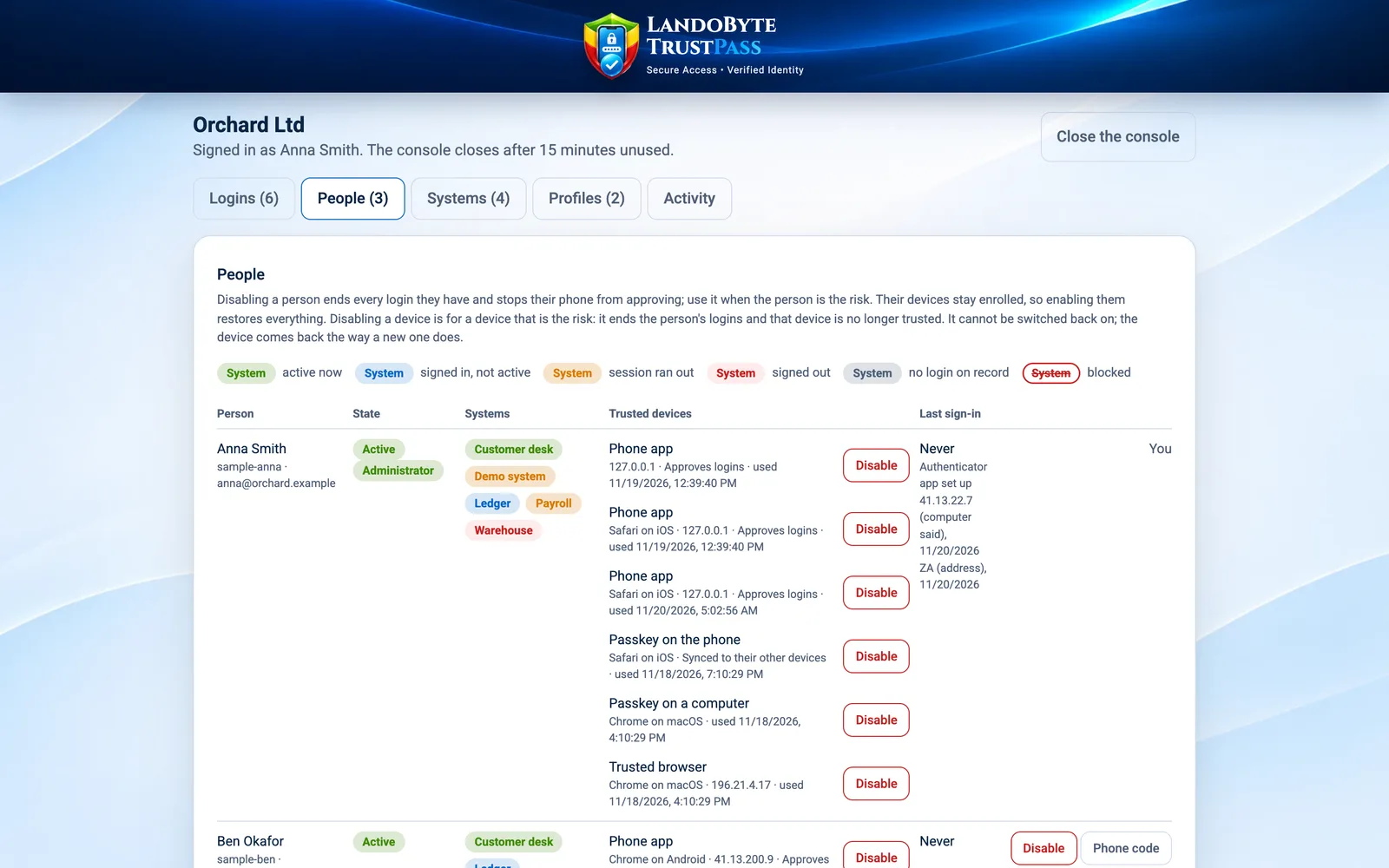
People: every person's systems in one line, coloured by state, and every trusted device. Disable a person and every login they have ends, at every system.
Someone leaves: one click
Disable the person and every login they have, at every connected system, ends at once. They cannot sign in again anywhere. No list of accounts to chase, no forgotten system left open.
A phone or laptop goes missing
Disable that device from the console and every login of that person ends at once, at every connected system. The person can do the same from another device with "Sign out everywhere".
Policy you set, once
Named security profiles applied to everyone, a group or one person, per system and per checkpoint. Where rules overlap, the strictest wins.
Where, when and how
Login windows and office hours, allowed countries and IP addresses, and extra proof where it matters. See the rules.
See every login, live
Who is signed in to which system, from where, right now, and what ended in the last day. Sign out any single login and it lands in about a second.
Nobody is surprised
Every attempt, refusal and lock is in the activity log. When a rule changes, the people it reaches are told on their phones, along with who changed it.
Who may get in, from where, when, and with what proof
Administrators build named profiles from these rules and apply them to everyone, a group or one person, per system. Where rules overlap, the strictest wins, and a refusal tells the person why.
The same policy guards every checkpoint inside a system
Being signed in is not the same as being allowed to do everything. Each system declares its checkpoints: the moments that matter. When someone reaches one, TrustPass applies the policy again and asks the phone, in the middle of the session.
- Approving a payment
- Adding a payee or changing bank details
- Adding a mailbox or an account
- Exporting customer data
- Changing a user's permissions
- Any step your policy says needs proof
A few seconds to sign in, nothing to remember
People stay on each system's own sign-in page. TrustPass works behind it, server to server, and the system's own login still runs last: TrustPass adds to your security, it never replaces it unless you choose.
A new computer is set up once per system through a small TrustPass window. There is no "scan to set up" code that a fake site could relay.
- PasskeyThe system asks for its own passkey for this person on this computer.
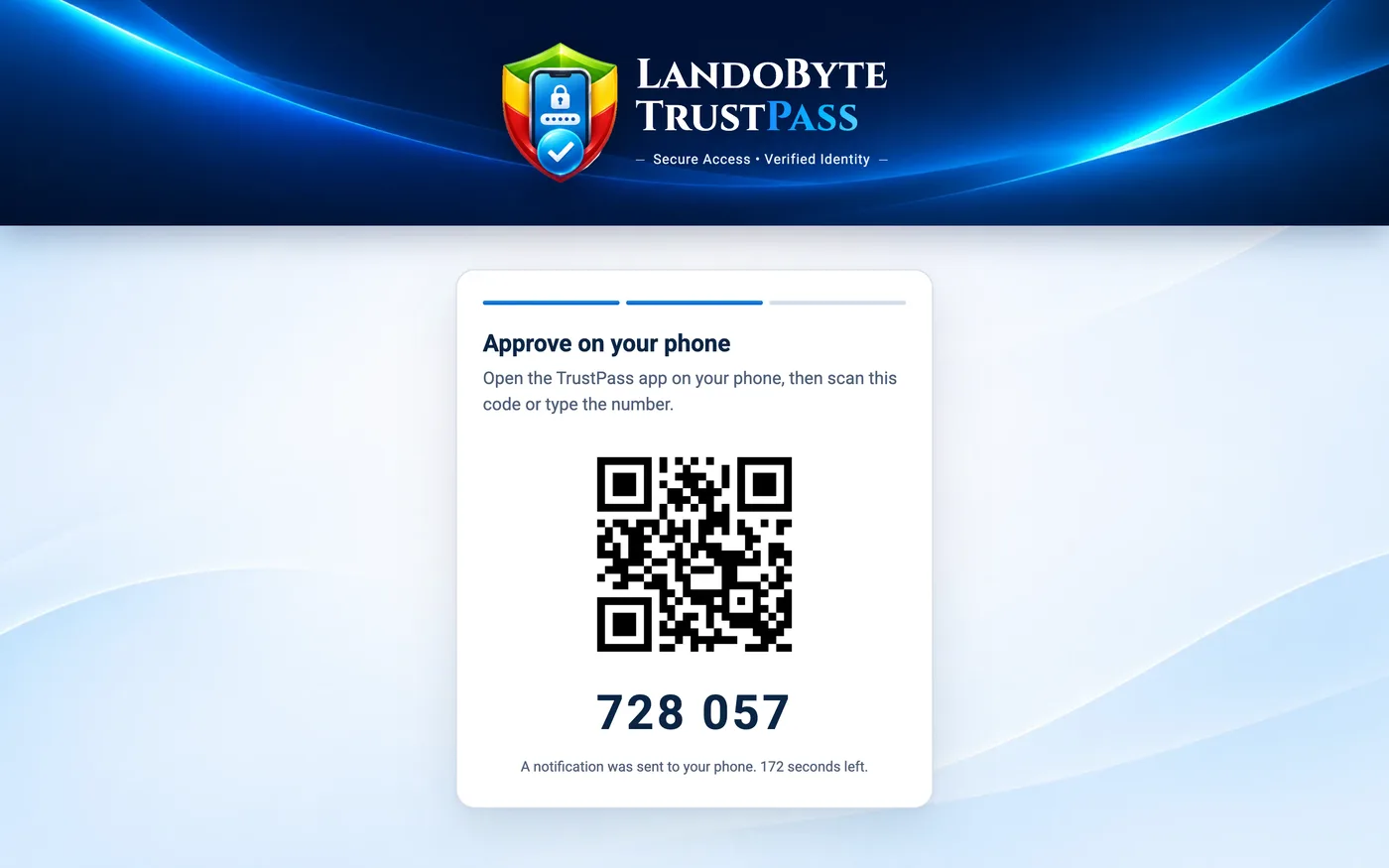
- Code on screenA QR code and six digits appear, and the phone is notified.
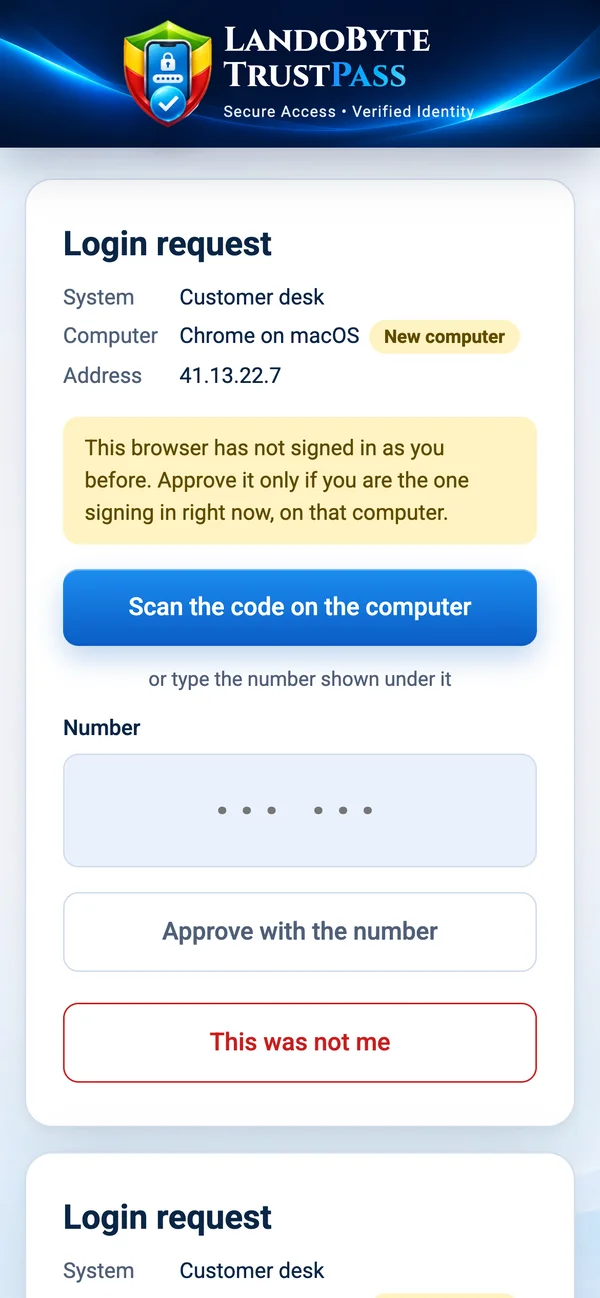
- Approve on the phoneScan or type the digits in the TrustPass app, then Face ID or fingerprint.
- The system's own loginIts original sign-in runs last and must confirm the same person.
Everyone carries their own security desk
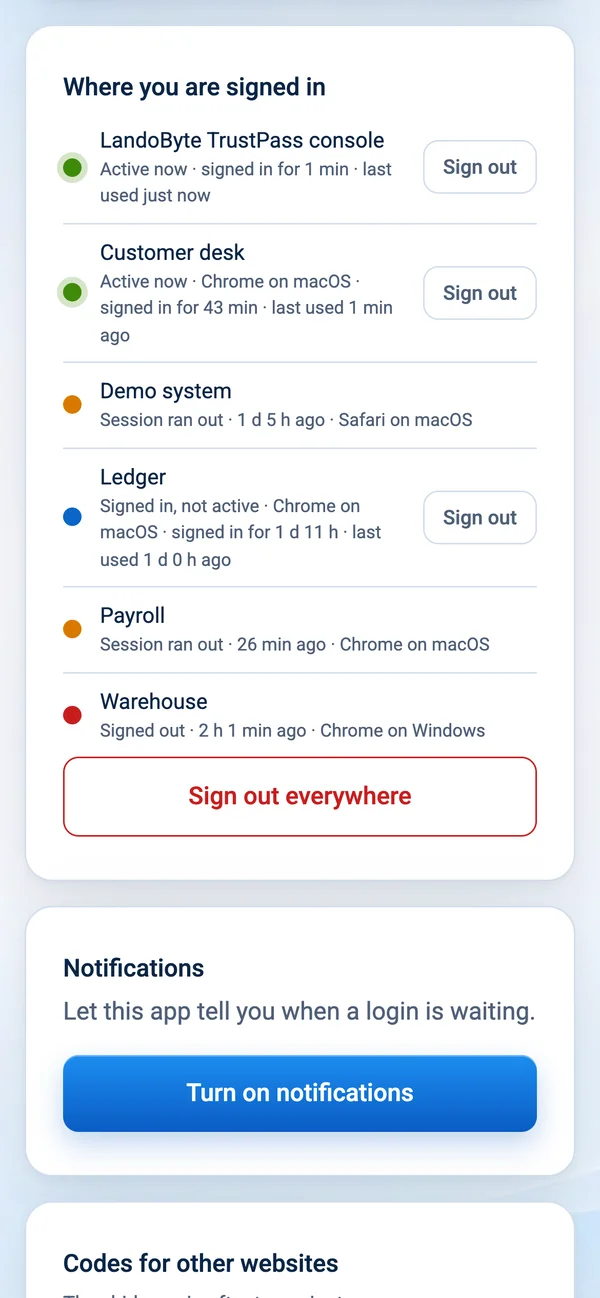
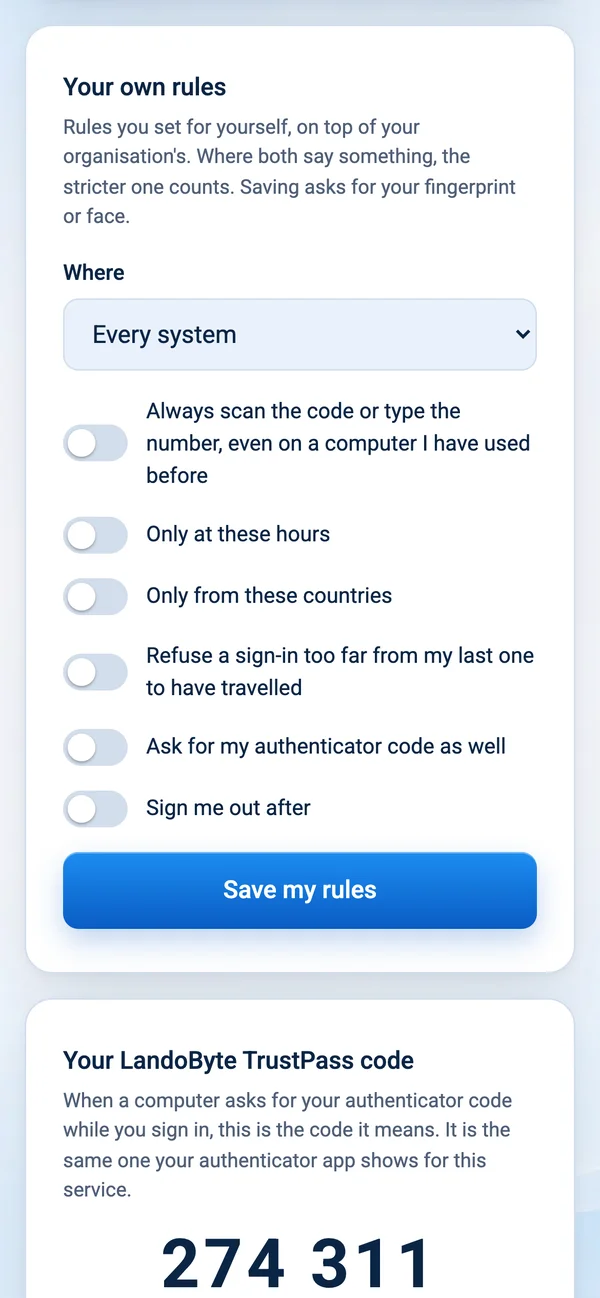
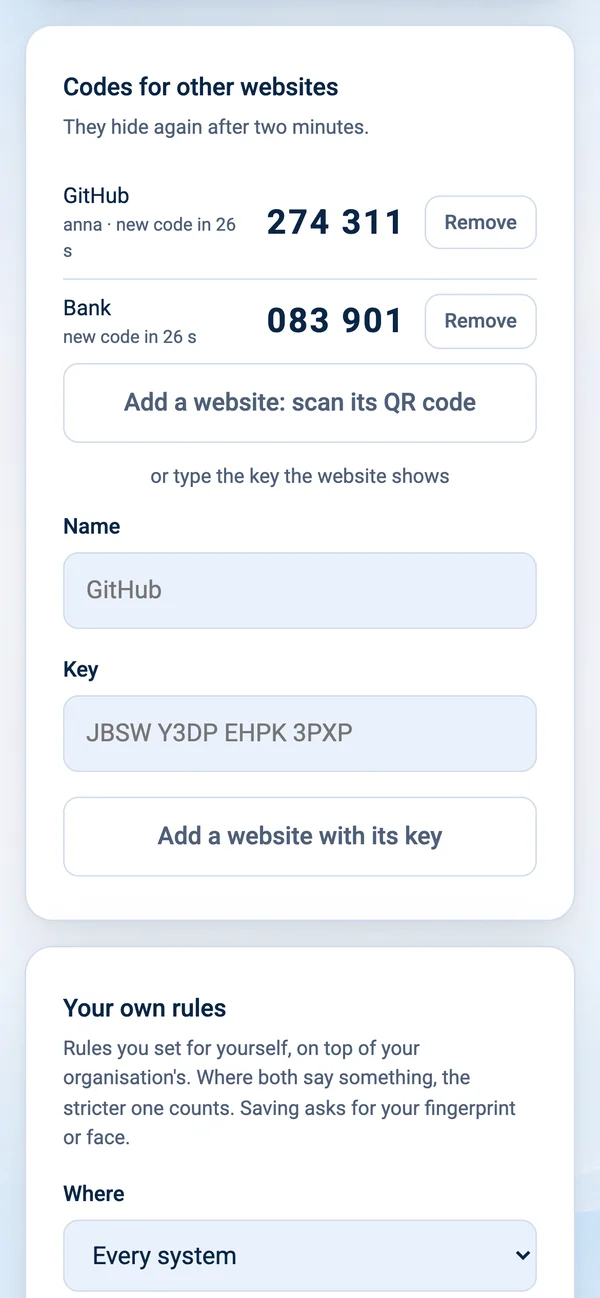
The app on each person's phone approves sign-ins, and it also shows them where they are signed in, lets them add their own rules on top of the organisation's, and makes their authenticator codes.
Every way in, behind the same phone
Server SSH
A server's SSH can wait for the phone before it accepts a key, and SSH sessions show up and can be ended like any other login.
Connect your own systems
A server-to-server API with signed calls, and standard OpenID Connect support on the way.
A phone that guards itself
The TrustPass app asks for Face ID each time it opens and keeps a picture of anyone who tries and fails.
Hosted securely, in a protected environment
TrustPass runs on enterprise cloud infrastructure built for banks and governments, and is set up so that every way in is controlled and recorded.
Guarded data centres
Physically secured facilities with round-the-clock monitoring, controlled access and redundant power and networking, independently audited against international security standards such as ISO 27001 and SOC 2.
One door, and it is locked
Only encrypted web traffic reaches the server. There is no remote login port open to the internet; maintenance runs through an audited management channel.
Secrets kept in a vault
Keys and passwords live in a managed, encrypted secret store, never in the code and never on a laptop.
Backed up every night
Automatic nightly backups to separate, access-controlled storage, kept for 30 days, and a backup before every release.
Releases that cannot skip the tests
Every release runs the full test suite first and is refused when a test fails.
No middlemen
Sign-in traffic goes straight to TrustPass. Passwords and approvals never pass through a third-party proxy.
Make your organisation the one they skip
Built and run by LandoByte in a protected environment. Tell us which systems you want behind TrustPass. We will also look at what sits behind the login, so the door you just locked is the only one.